MIS Software in India: What It Is, Why You Need It, and How to Set It Up Without an IT Team
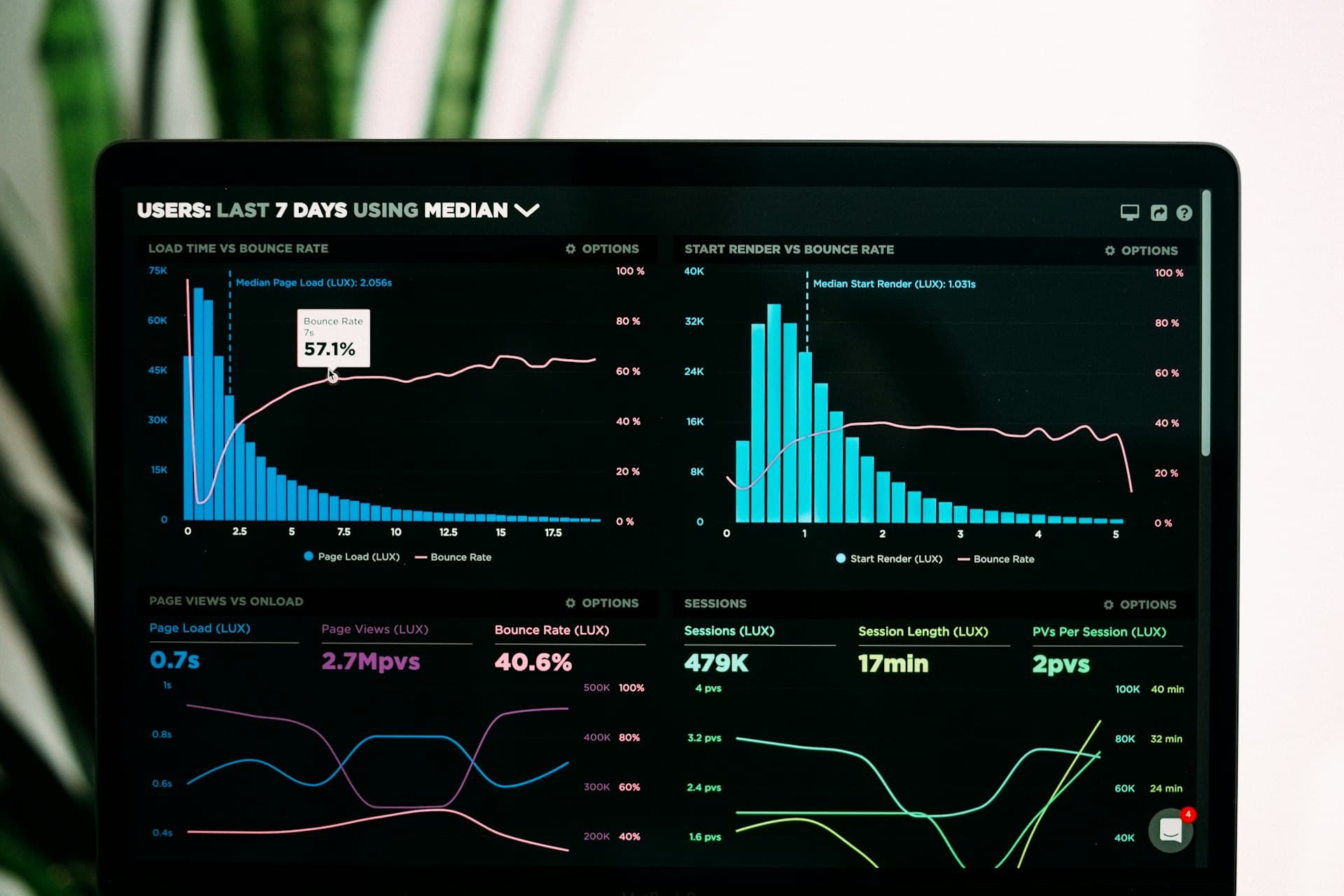
Every founder asks the same questions every Monday morning: What's our revenue this month? Who hasn't paid? Which clients are at risk? MIS software answers all of them automatically.
What is MIS Software?
MIS — Management Information System — is software that collects data from all parts of your business (sales, operations, finance, HR) and turns it into reports and dashboards that help you make decisions. Think of it as the control panel of your business.
In larger companies, MIS is a dedicated function with analysts and BI tools like Tableau or Power BI. For Indian SMBs, MIS is better understood as a set of live reports that answer the questions every business owner asks every week:
- What is our revenue this month vs last month?
- Which invoices are overdue and for how long?
- Which clients are most profitable?
- What is the utilisation of my team right now?
- Which projects are over budget or behind schedule?
- How many new leads came in and how many converted?
Why Indian SMBs Struggle Without MIS
Most small businesses in India collect data but cannot use it. Revenue data is in Tally or Excel. Client information is in WhatsApp. Project status is in a team member's head. When the owner wants a weekly business review, someone spends 3–4 hours pulling numbers from different places before the meeting even starts.
This is not a data problem — it is a systems problem. When your operational data and your reporting live in different places, you are always looking at the past, never the present.
The 6 MIS Reports Every Indian Service Business Needs
1. Revenue Summary (Weekly / Monthly)
Total invoiced amount, total collected, and the gap (outstanding). Broken down by client, by project, and by service type. This report should be available in 3 seconds, not 3 hours.
2. Accounts Receivable Ageing
Which invoices are 0–30 days old, 31–60, 61–90, and 90+ days overdue. The 90+ bucket is your bad debt risk. Most businesses discover this number only at year-end — by then, some of it is unrecoverable.
3. Project Profitability
For each project: budgeted cost vs actual cost, invoiced amount vs collected amount, and gross margin. This tells you which client relationships are actually worth investing in.
4. Lead Conversion Funnel
How many enquiries came in, how many became proposals, and how many converted to paying clients. If your conversion rate is below 20%, you have a proposal quality problem. Below 10%, you have a lead quality problem.
5. Team Utilisation
For each employee: billable hours vs total working hours. Industry benchmark for service businesses is 70–75% billable utilisation. Below 60% means you are overstaffed or underbooked. Above 85% means your team is burning out.
6. Client Health Score
A simple indicator per client showing: days since last invoice, outstanding amount, number of open support tickets, and last communication date. Any client who scores red on three of these four is at churn risk.
How to Build MIS Without an IT Team
Traditionally, building MIS required a database administrator, a BI tool license, and an IT consultant. Modern all-in-one platforms like GroviaOS change this completely.
Because GroviaOS runs your CRM, projects, invoicing, HR, and field operations in one database, all six of the reports above are generated automatically — no data exports, no pivot tables, no waiting for IT.
MIS in GroviaOS: What You Get Out of the Box
- Live dashboard — revenue, outstanding, project status, and lead pipeline visible the moment you log in
- One-click PDF reports — branded business reports you can send to co-founders or board members
- Role-based access — your finance manager sees invoicing MIS, your project manager sees utilisation MIS, your owner sees everything
- Mobile MIS — same dashboard on your phone; check Monday's numbers before you reach the office
- Scheduled email reports — get the weekly summary in your inbox every Monday at 8 AM without logging in
Setting Up MIS in 48 Hours
- Sign up for GroviaOS and add your team
- Import existing clients and projects
- Enter your open invoices and payment history
- Your MIS dashboard populates automatically from day one
No BI consultant. No SQL. No IT budget. Your business data works for you instead of sitting in silos.





Practical, India-specific advice on running a service business better — no fluff, unsubscribe anytime.