Quotation to Invoice in One Click: How Indian Businesses Are Closing Deals Faster and Getting Paid Sooner

The time between sending a quotation and receiving payment is where Indian businesses lose money. Every manual step — retyping, reformatting, chasing approvals — is an opportunity for delay and error.
Your sales person spends an hour creating a quotation in Word. The client approves. Someone recreates the same information as an invoice in Tally — different format, same data, typed again. The client gets the invoice. There is a discrepancy between the price on the quotation and the invoice (a common retyping error). The client queries it. Someone has to dig up the original quotation, compare, fix the invoice, resend it. The client's accounts team now starts their 30-day payment clock from the day they receive the corrected invoice — not from when the work was done.
Every one of those steps is unnecessary. Modern billing software converts a quotation to an invoice in one click — same data, professional format, sent immediately.
The Quotation-to-Cash Process Done Right
Step 1: Create the Quotation
In the software, you select the client (all their details auto-fill), add line items from your product/service catalogue (rates pre-configured), apply any discount, and the GST is calculated automatically. The quotation is generated as a professional PDF with your letterhead, logo, and GST number — ready in 5 minutes.
Step 2: Send It With a Digital Approval
Email the quotation directly from the software with a "Approve This Quotation" link. The client clicks Approve. The status in your system updates to "Approved" automatically — no manual checking, no "did they reply to the email?"
Step 3: Convert to Invoice in One Click
Once approved, click "Convert to Invoice." Every line item, every price, every client detail carries over exactly. The invoice number is assigned automatically. GST amounts are confirmed. You review it, send it — done in 60 seconds.
Step 4: Automated Payment Reminders
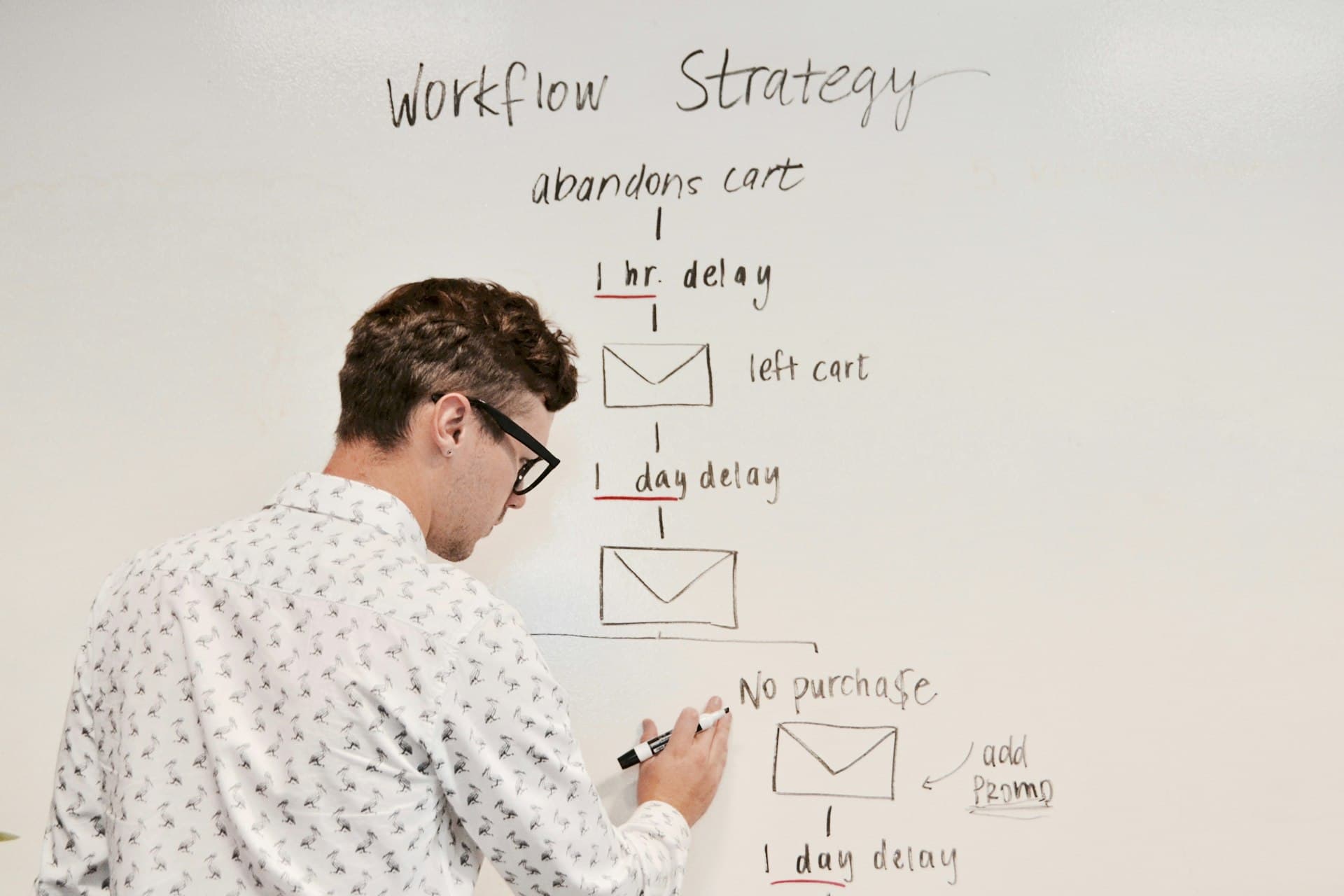
The invoice is now in the payment reminder queue. On the due date, a reminder goes out. If unpaid after 7 days, another one. All automated — you do not follow up manually unless the invoice goes past 30 days overdue.
Step 5: Payment Received, Books Updated
When the client pays, you record it in the software (or it is recorded automatically if your bank feed is integrated). The invoice moves to Paid. The revenue entry is made in accounts automatically. The receivable is cleared. GST is reconciled.
How Much Time Does This Save?
| Step | Manual Process | With Software |
|---|---|---|
| Create quotation | 45–60 min (Word/Excel) | 5–10 min |
| Get client approval | 3–7 days (email chase) | 1–3 days (digital link) |
| Create invoice from quotation | 30–45 min (retype in Tally) | 1 min (one-click convert) |
| Payment reminders | Manual WhatsApp/calls | Automated |
| Record payment in books | Separate Tally entry | Automatic on payment |
The Business Impact Beyond Time Savings
Faster time-to-invoice means faster payment. If you currently invoice 5 days after project completion because of the manual process overhead, moving to instant invoicing cuts your average DSO (Days Sales Outstanding) by those same 5 days. For a business that invoices ₹20 lakh per month, that is ₹3.3 lakh more cash in your account at any given time.
No retyping errors means no invoice disputes. No invoice disputes means no payment delays caused by the client needing a corrected invoice. The average disputed invoice adds 15–20 days to the payment cycle.
Ready to run your entire business from one place?
Grovia gives Indian businesses payroll, accounts, CRM, invoices, HR, team chat, and field management — all in a single platform. No juggling. No double entry.
Start Free Trial →


Practical, India-specific advice on running a service business better — no fluff, unsubscribe anytime.