Invoice Software With a Payment Link: What to Check (India)
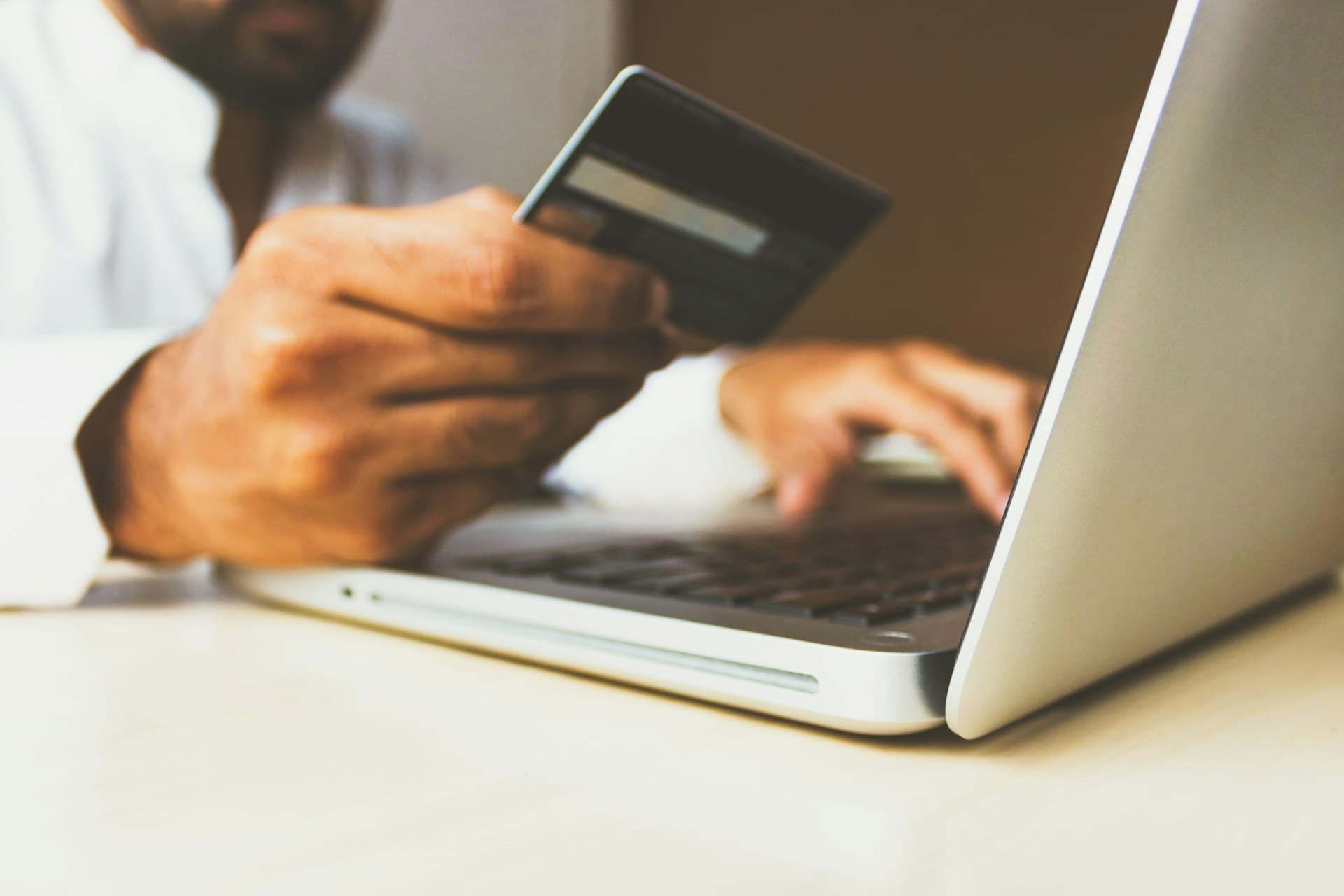
A pay link gets invoices paid faster — if it is built right. What to check about part payments, stale amounts, your books and whose account gets paid.
Invoices with a payment link get paid sooner, because paying takes one tap instead of finding bank details and typing an amount. But the link is the easy part. What separates good invoice software from risky software is what happens around it: whose account receives the money, what a part-paid invoice asks for, whether an old link still collects an old amount, and whether the payment lands in your books by itself.
Five things to check before you trust a pay link
- Whose payment account receives the money. It should be your own payment gateway account, settling to your bank — not the software vendor's account paying you later.
- What a part-paid invoice asks for. If a client paid half by bank transfer, the link must ask for the balance, not the full total. This is a surprisingly common bug.
- Whether old links stay accurate. A link in a month-old email should collect today's balance, and stop working once the invoice is settled.
- Whether the payment reaches your books. An online payment that marks the invoice paid but never posts to the ledger will not appear in your accounts or your Tally export.
- What the link reveals. It should be an unguessable link that shows one invoice, with nothing about your other clients.
UPI, cards and netbanking
In India, most clients will pay by UPI if it is offered. A payment gateway such as Razorpay presents UPI, cards and netbanking on one page, so the client chooses. Gateway fees apply per transaction according to your gateway agreement; factor them into how you price, or which payments you encourage online.
How Grovia handles it
Grovia uses your own Razorpay account, so money settles to you directly. Once your Razorpay account is connected, clients can pay any invoice online from the client portal. When automatic payment reminders are switched on (they are off until you enable them), each reminder email carries a Pay now link. The link is reused for that invoice rather than multiplied, reads the amount still due each time it is opened so a part-paid invoice collects only the balance, stops working once the invoice is settled, and the payment is recorded against the invoice and posted to your books automatically.
Reminders can go on WhatsApp too: from the WhatsApp inbox, your team sends the approved payment reminder template to a customer in one click. The scheduled automatic reminders, with the Pay now link, go by email.
Who does not need this
If your clients are large companies that pay only through their own vendor-payment runs, a pay link will rarely be used. It earns its place with small and mid-sized clients who pay when it is easy.
A test you can run this week
Take an invoice that is part-paid and open its payment link. Does it ask for the balance or the original total? Then pay a small test invoice online and check whether it appears in your ledger without anyone entering it. Those two checks find most of the problems that matter.
Grovia is a business platform built for Indian service companies — leads, quotations, invoicing, projects, HR and support in one place. Start a free trial and see whether it fits the way you already work.
Frequently Asked Questions
Can I add a UPI payment link to my invoices?
Yes, through a payment gateway such as Razorpay, which offers UPI along with cards and netbanking on one payment page.
Where does the money go when a client pays an invoice link in Grovia?
To your own Razorpay account, which settles to your bank. Grovia does not hold the money.
What happens if the client has already paid part of the invoice?
Grovia's payment link reads the balance due each time it is opened, so the client pays only what is still owed.
Does Grovia send payment reminders on WhatsApp?
Yes, from the WhatsApp inbox using your approved payment reminder template. The scheduled automatic reminders are sent by email, with a Pay now link, once you switch them on.
Do online payments update my accounts automatically?
In Grovia, yes. The payment is recorded against the invoice and posted to the ledger.



Practical, India-specific advice on running a service business better — no fluff, unsubscribe anytime.